
1/ Please give us Analyst access to Google Analytics at the most available KPI address
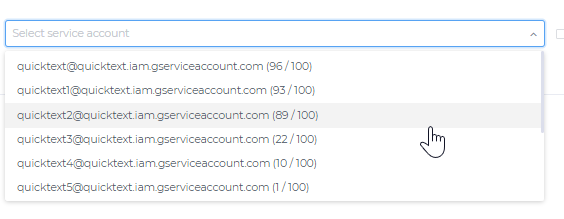
If you want us to take care of the integration for you, please also give us access to marketing0x@quicktext.im
following the steps in this video https://qt.im/7f5
2/ Go to your Google analytics account
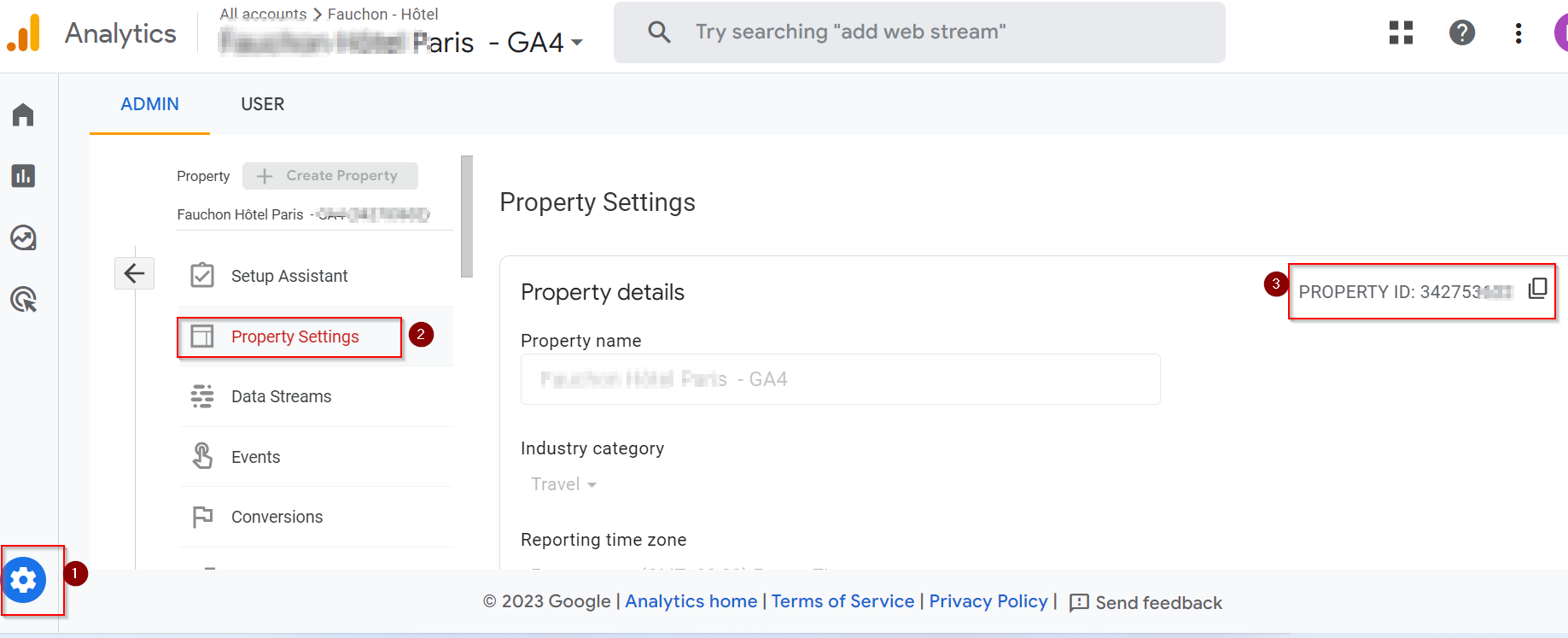
Admin > Property Settings > And copy your Property ID
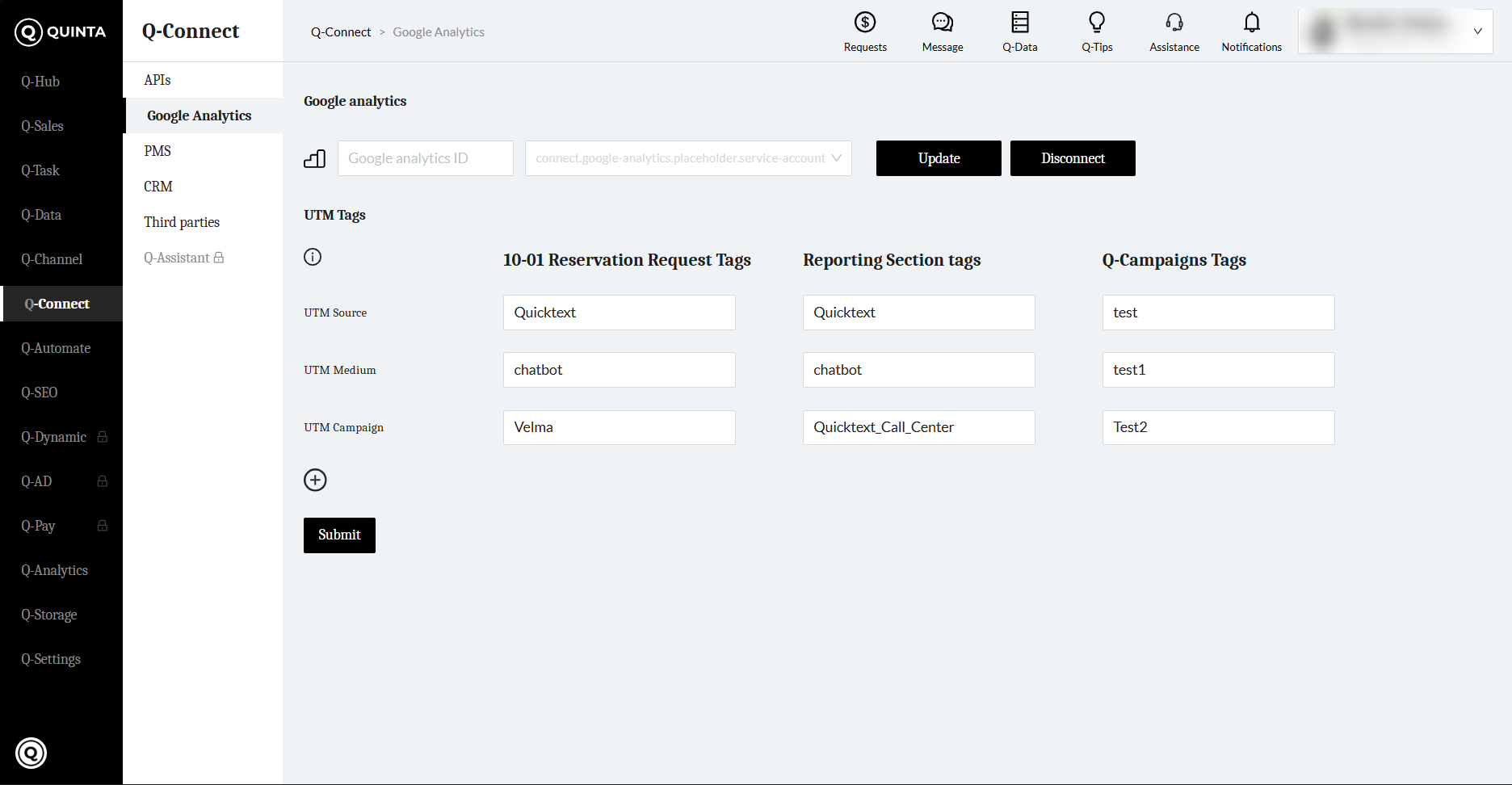
3/ Go to Q-Connect>Google Analytics https://console.quicktext.im/connect/google-analytics
Paste the property ID
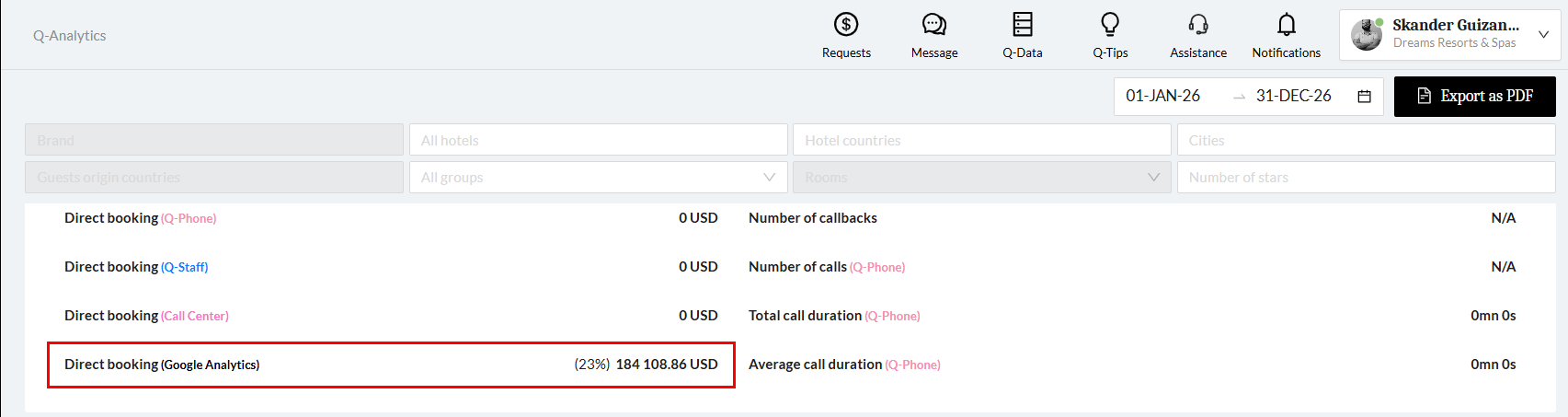
In order to test your integration, go to the GA4 account and you will find the campaign under Advertising>Performance>All Channel.
You may filter by campaign and then type Zalia for faster access. (As displayed in the screenshot below)
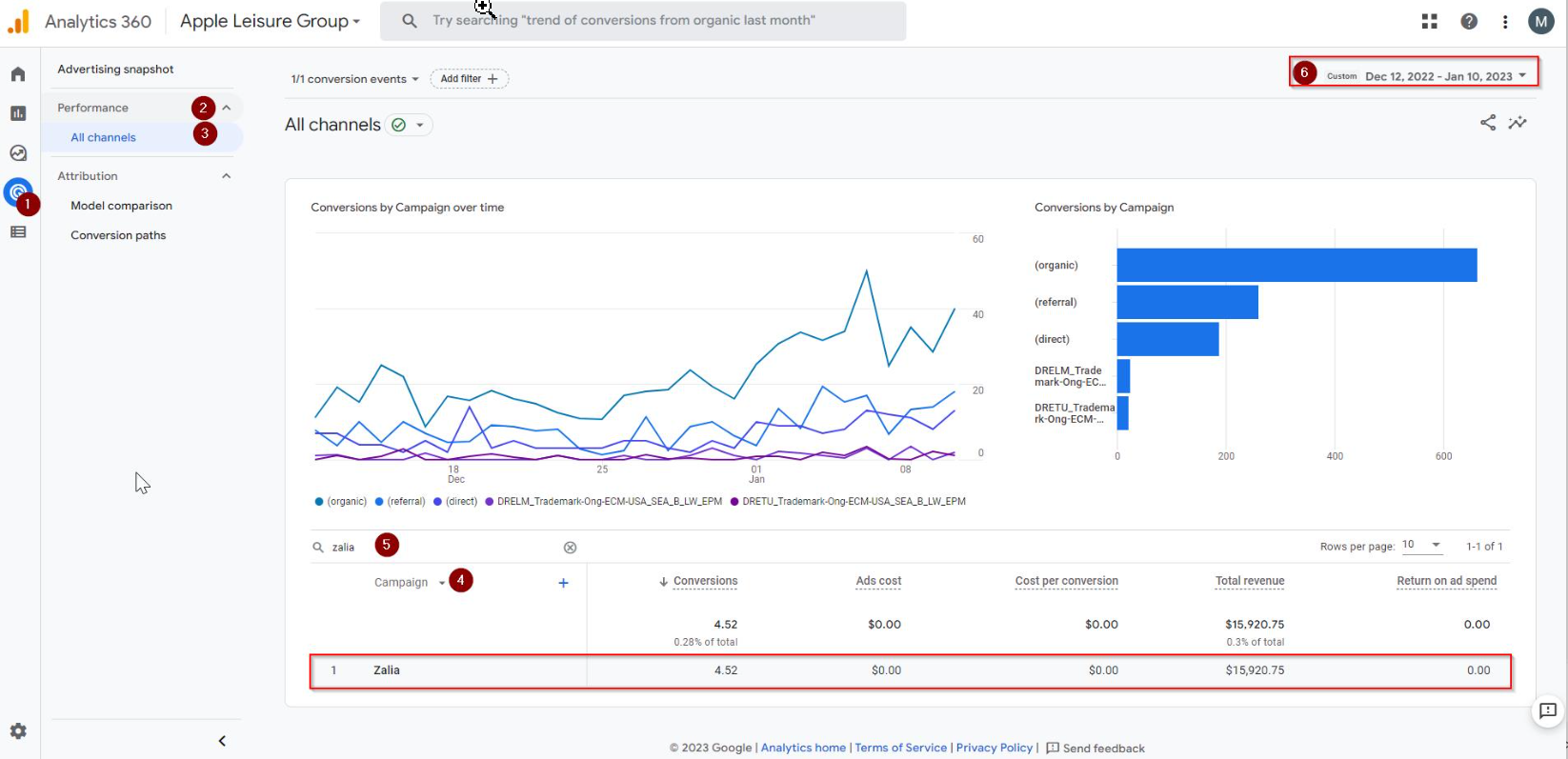
PS: Remember that the revenue gets updated on a 24-hour basis in the Analytics account, So make sure to verify a period of time that doesn't include the same day you integrated GA4.